Pulse
Today, what’s next and projects in progress. Open a record from the overview and carry on where it belongs.
Today · Next 7 days Jivie
Your day. Your plans. Your people.
See what’s coming up. Give an idea room to grow. Keep the things you look after together — on your own or with your people.
Get Jivie on Google Play. The iOS release is still in preparation.
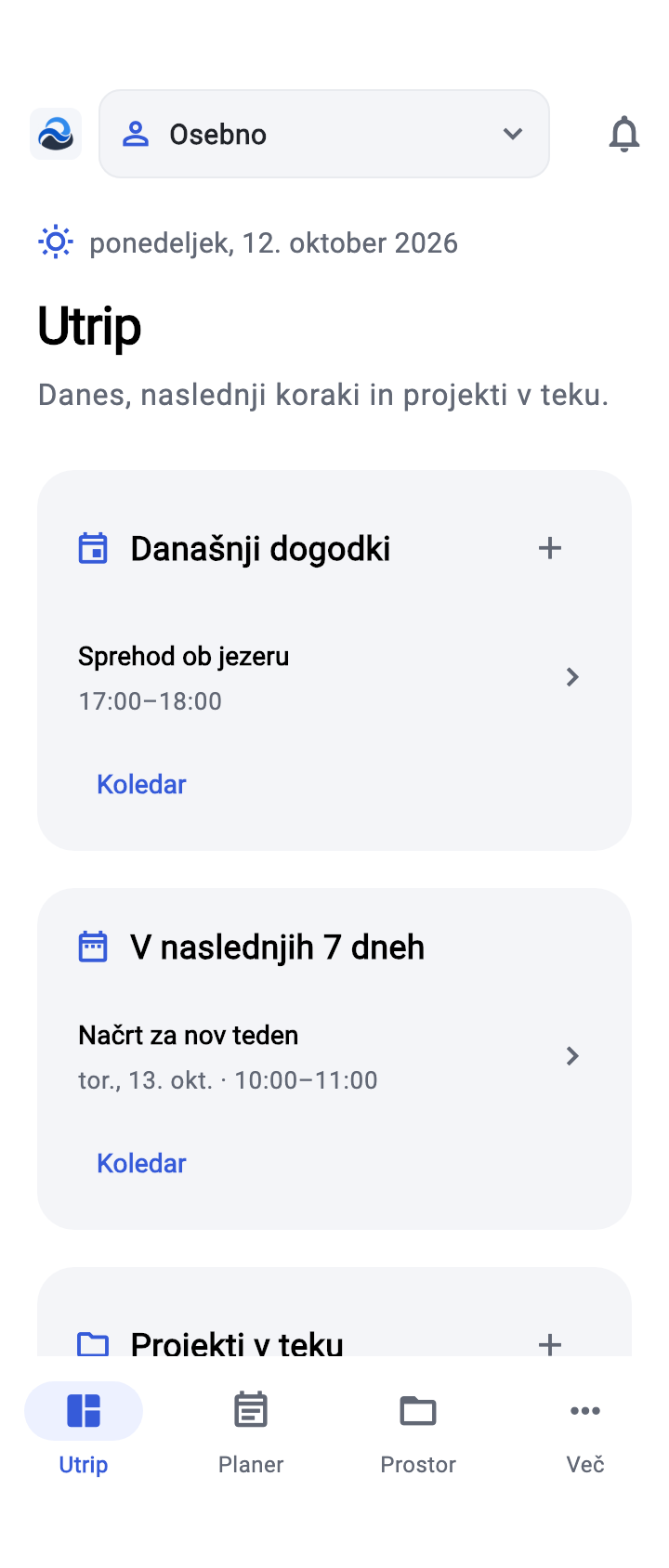
The same four destinations on Android and iOS. Your selected space follows you as you move between them.
Today, what’s next and projects in progress. Open a record from the overview and carry on where it belongs.
Today · Next 7 daysTasks, Calendar and Ideas together. Give a thought a note, drawing or photo, then plan the next step.
Tasks · Calendar · IdeasProjects and finances, with shopping, gardening and people where your selected space supports them. Your garden keeps its own beds and seasons.
Projects · Finances · HomeYour account, space settings, app preferences, backups and help. The everyday tools that keep your plans yours.
Account · Settings · BackupsFrom the next task to a fresh idea. A calm light theme, a dark theme and room for your own plans.
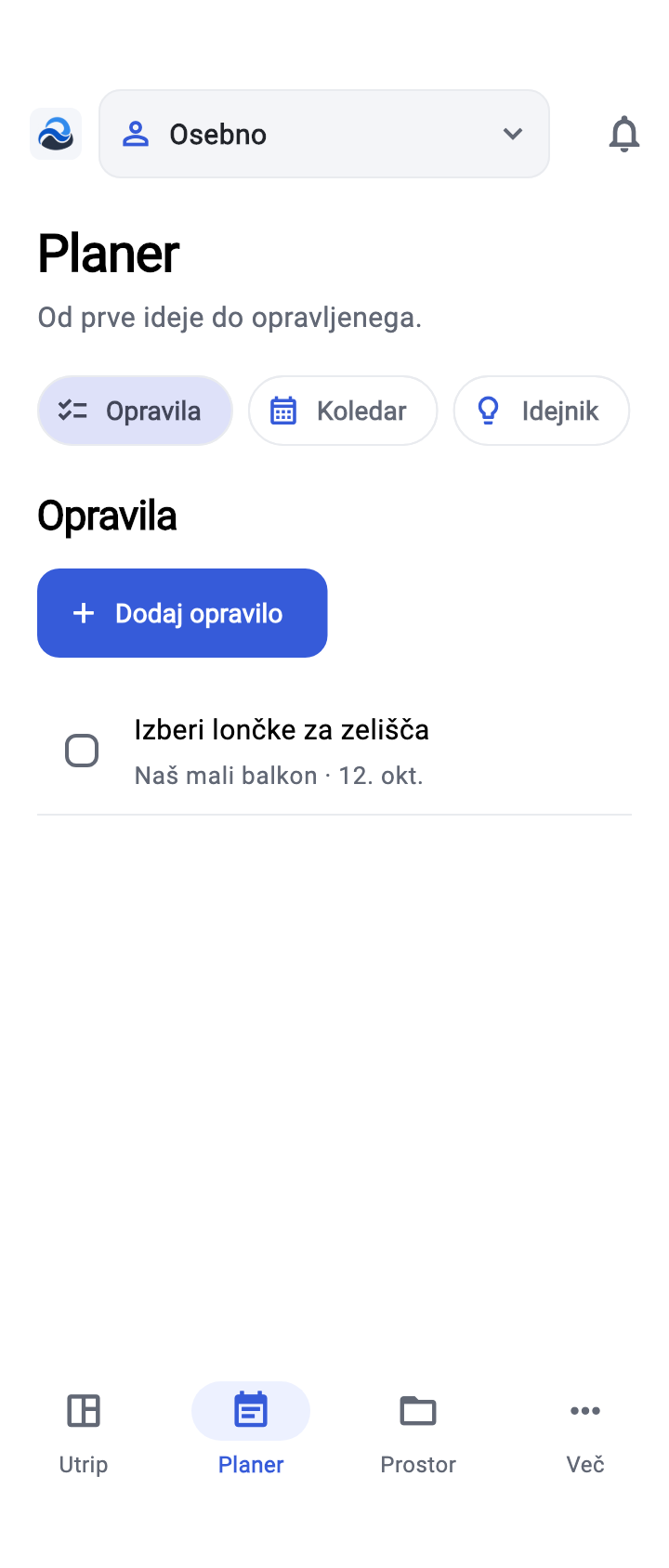
Tasks that turn plans into next steps.
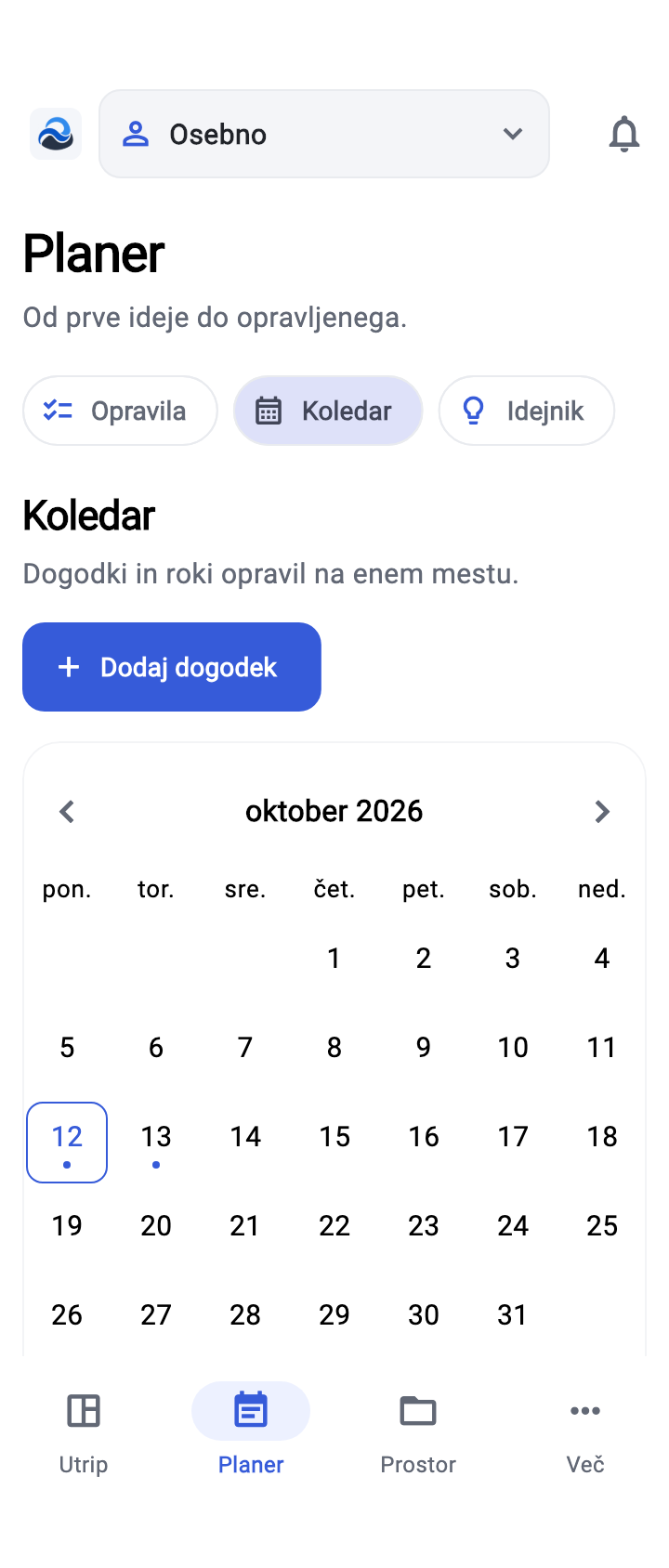
Your events, with room to see the month ahead.
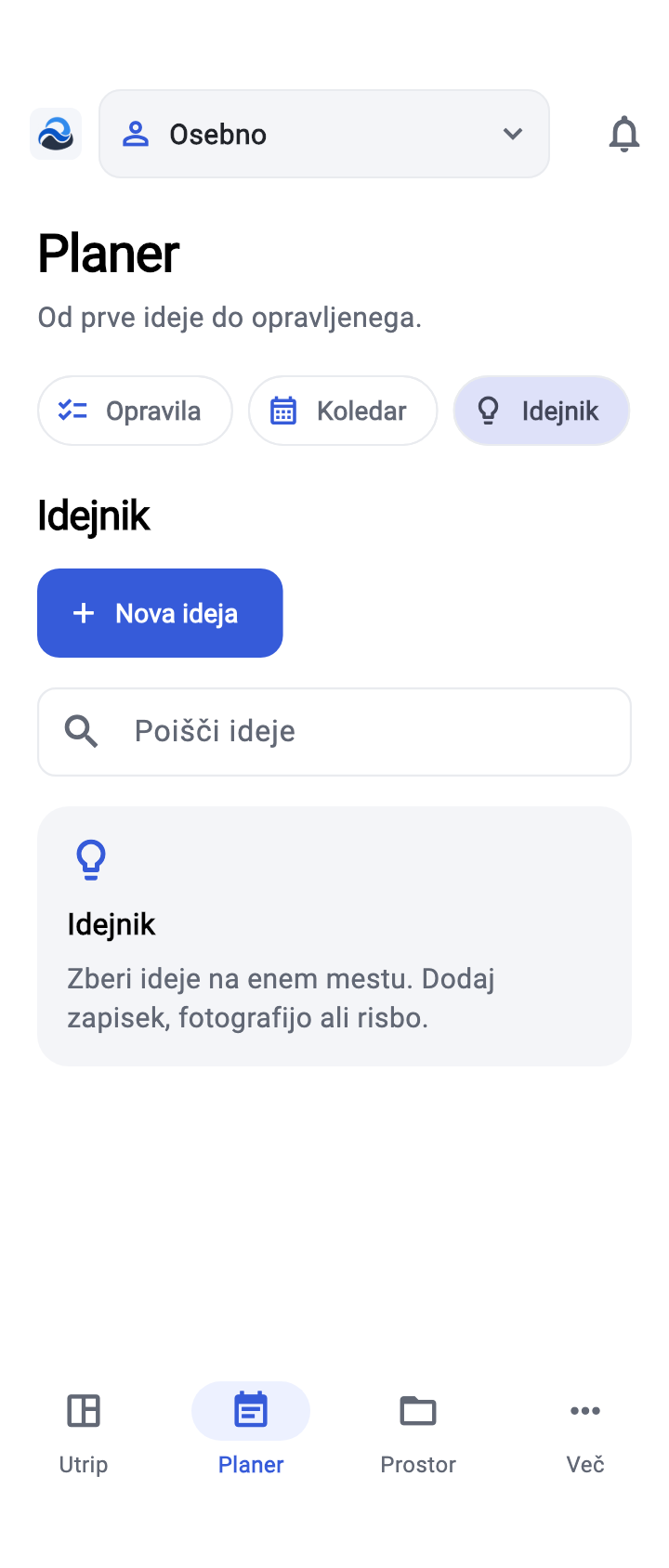
A place for notes, drawings and selected photos.
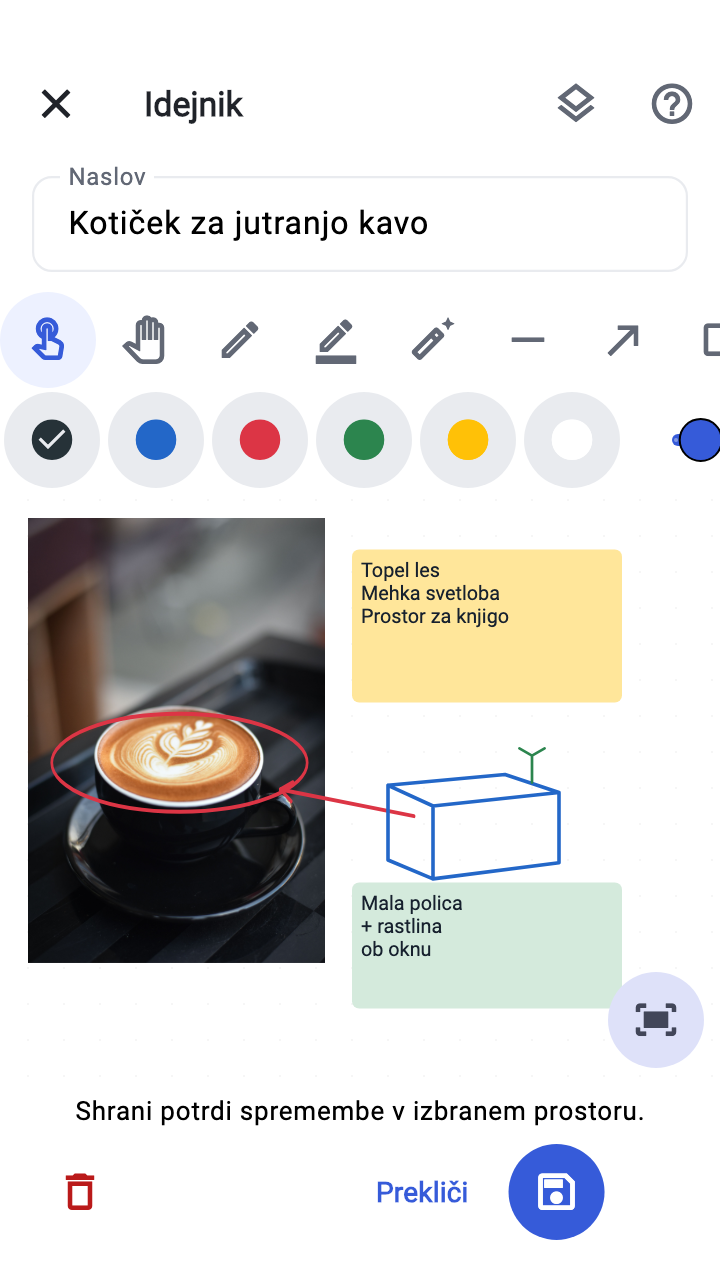
A photo, a sketch and notes together on an editable board.
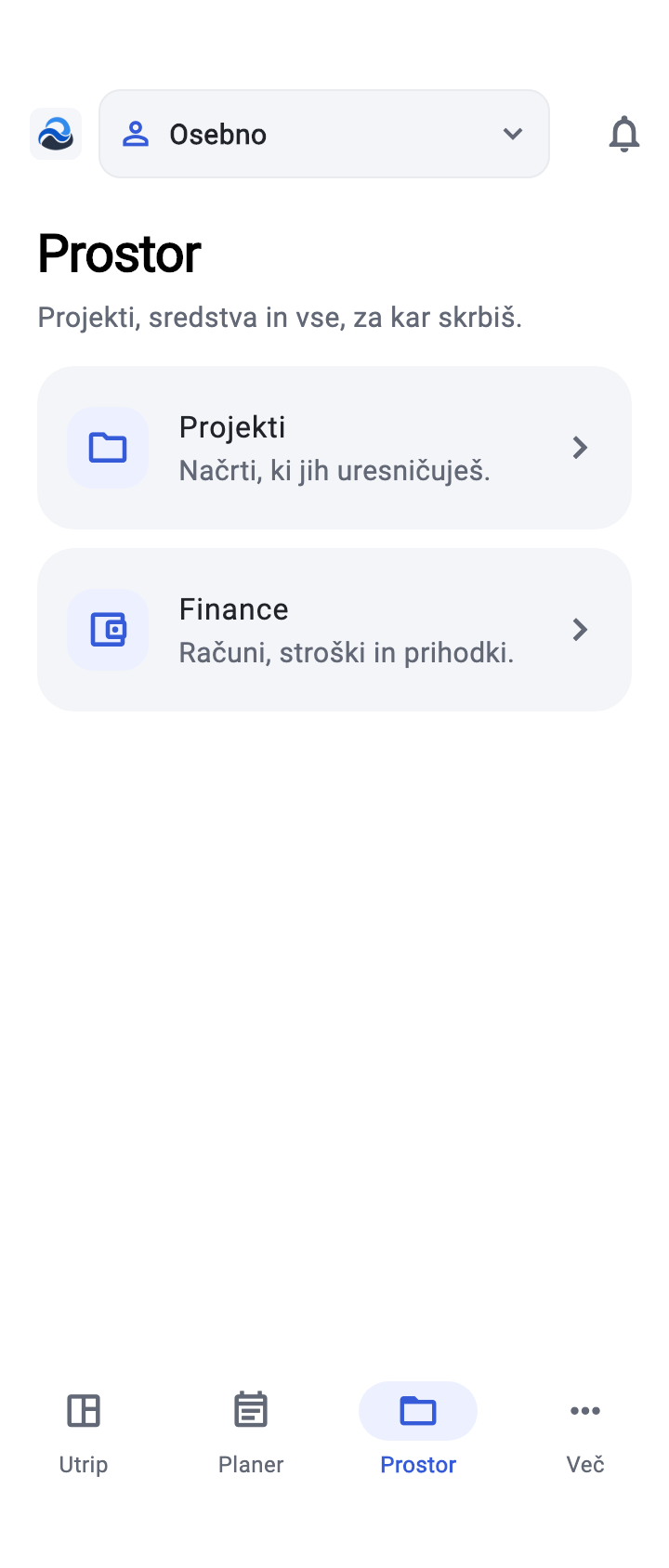
Projects and finances in the space you choose.
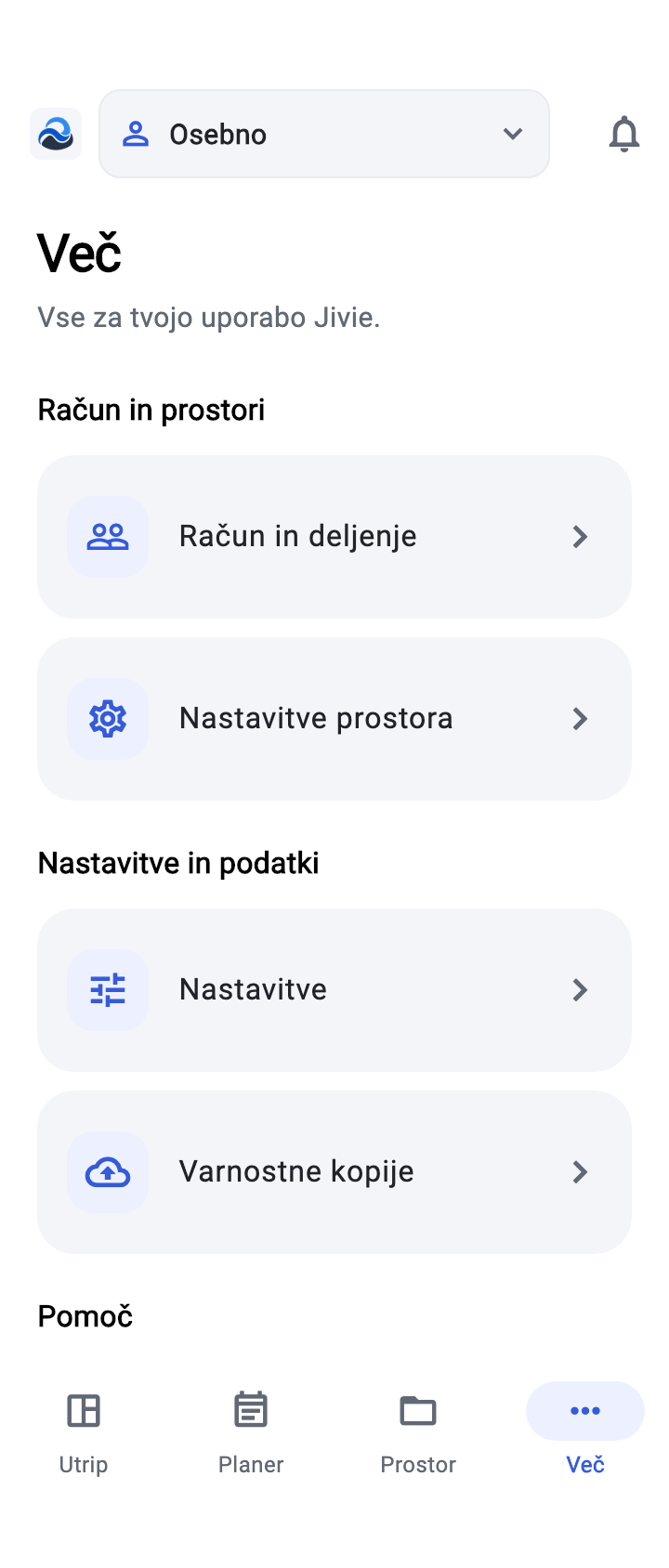
Your account, settings, backups and help.
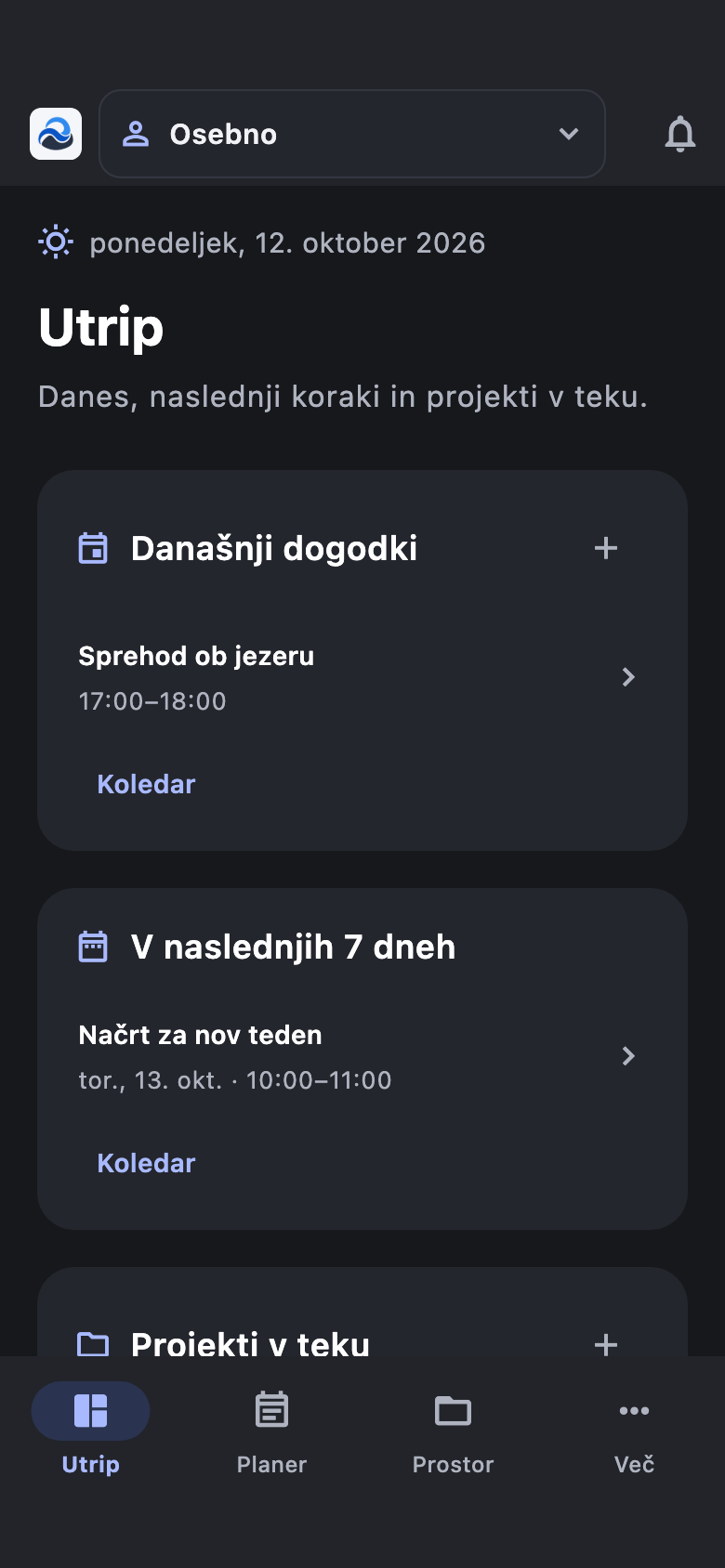
The same familiar places in a dark appearance.
App interface captures with isolated sample data, shown in Slovenian. They are previews of rendered app screens, not photographs of a physical phone. Jivie also supports English.
A place for your people
Keep a personal space for yourself. Share a whole household or organization, including its projects and finances, or invite people to one project only.
Sharing uses a compatible server you or your server operator manage. Your personal content stays private until you choose to share it.
About connecting a server ↗ Local first. At your pace.
Local first
No account or server is needed for your personal plans, tasks, ideas, shopping and finances.
A task for today, a note for a fresh idea, a plan for the weekend. Draft idea boards stay on your device until you save them.
Create an encrypted portable backup of supported records and downloaded idea photos. Choose a compatible server for optional syncing and sharing. See the guide for backup limits.
Use Jivie locally on your device. For sharing and synchronization, install FamilyHub, the free open-source plugin for Kanboard, on your own server.
Source code, installation package and instructions · MIT license. You manage your server and hosting costs.
Jivie is a free app for Android. Use it on its own or connect your own compatible server. The iOS release and managed hosting are planned for a later stage.